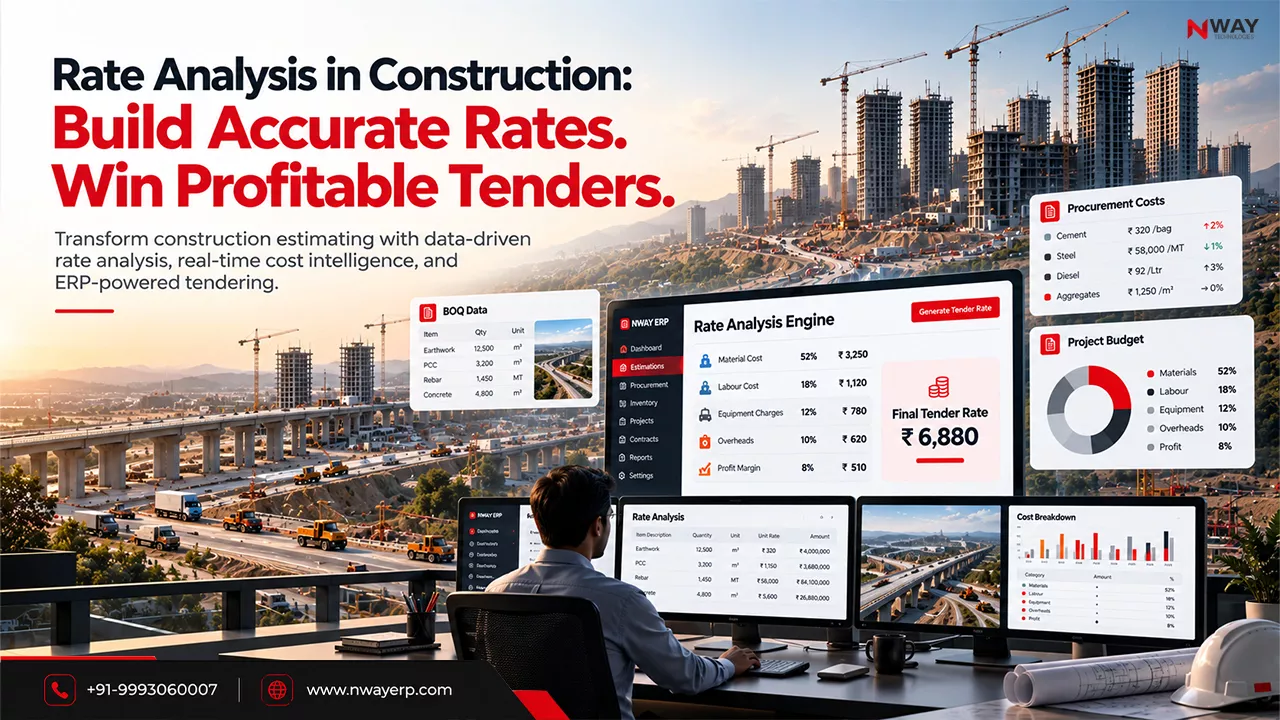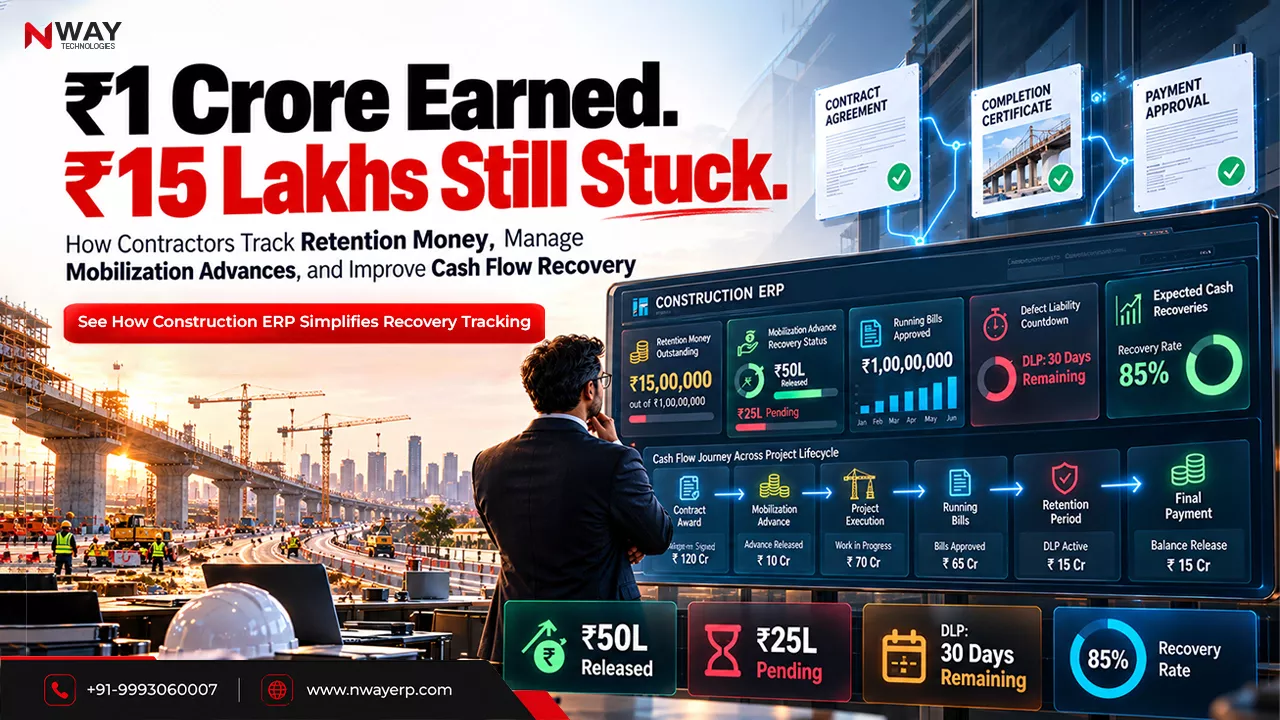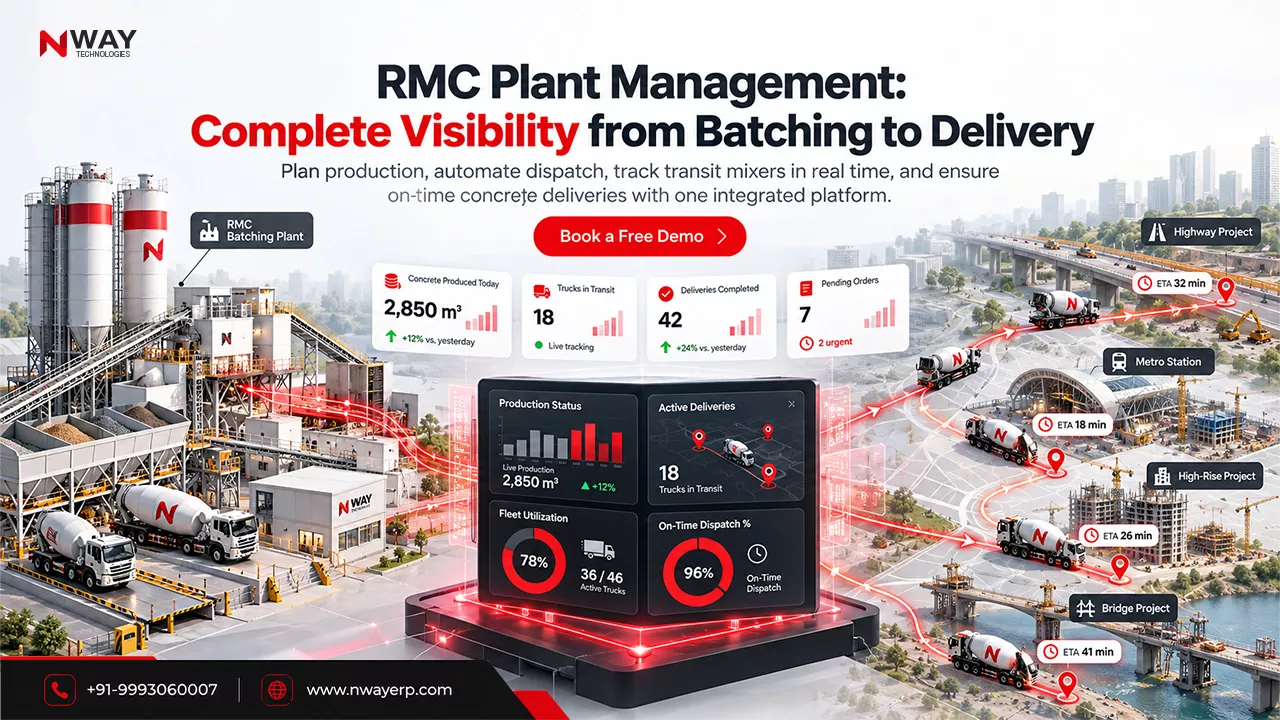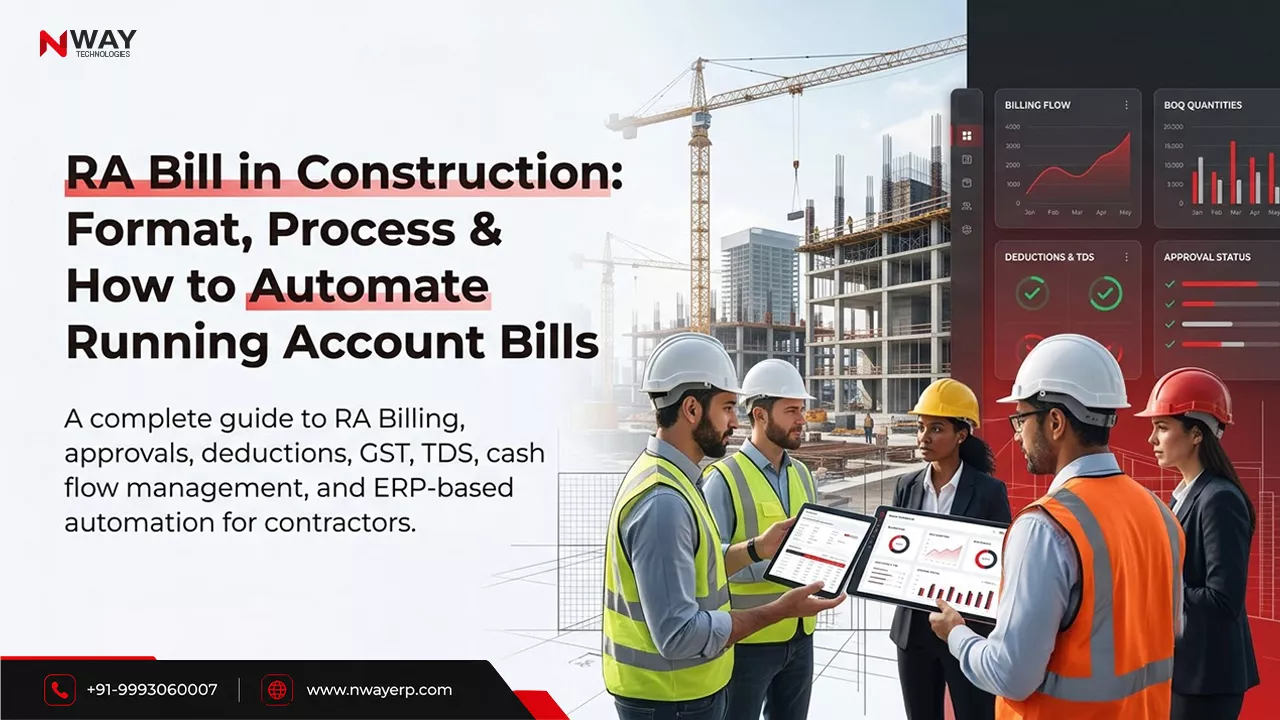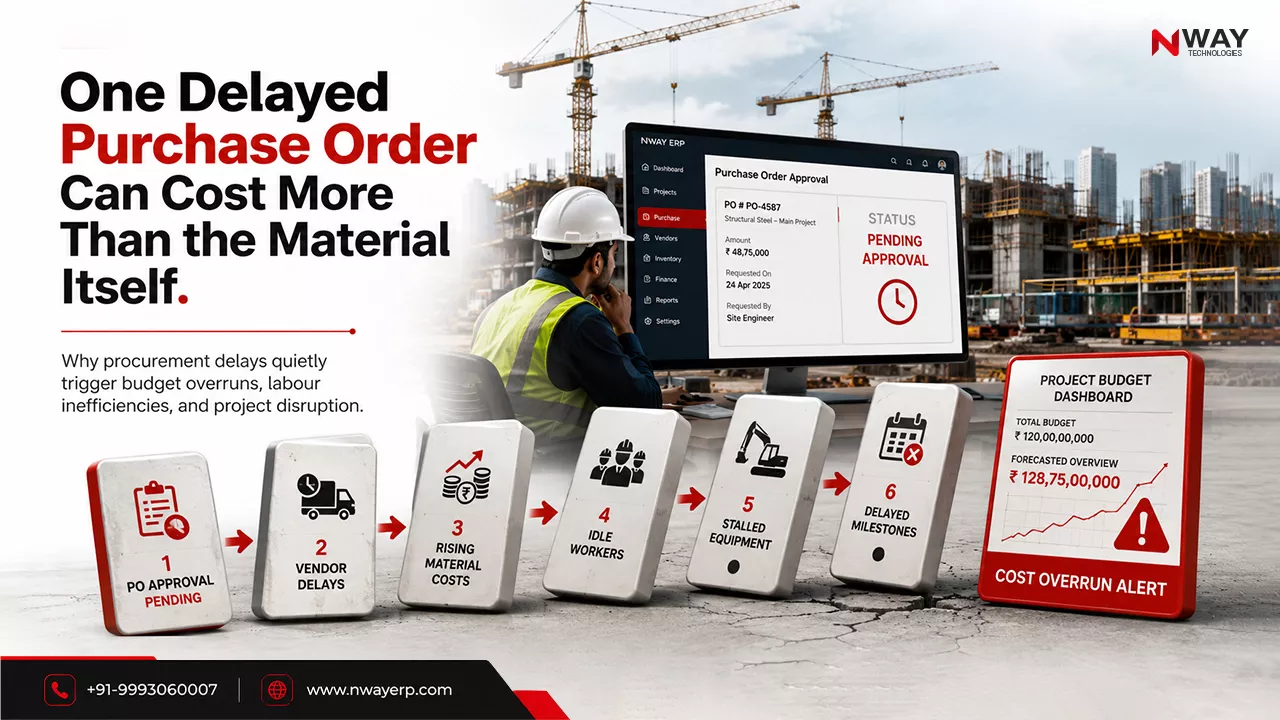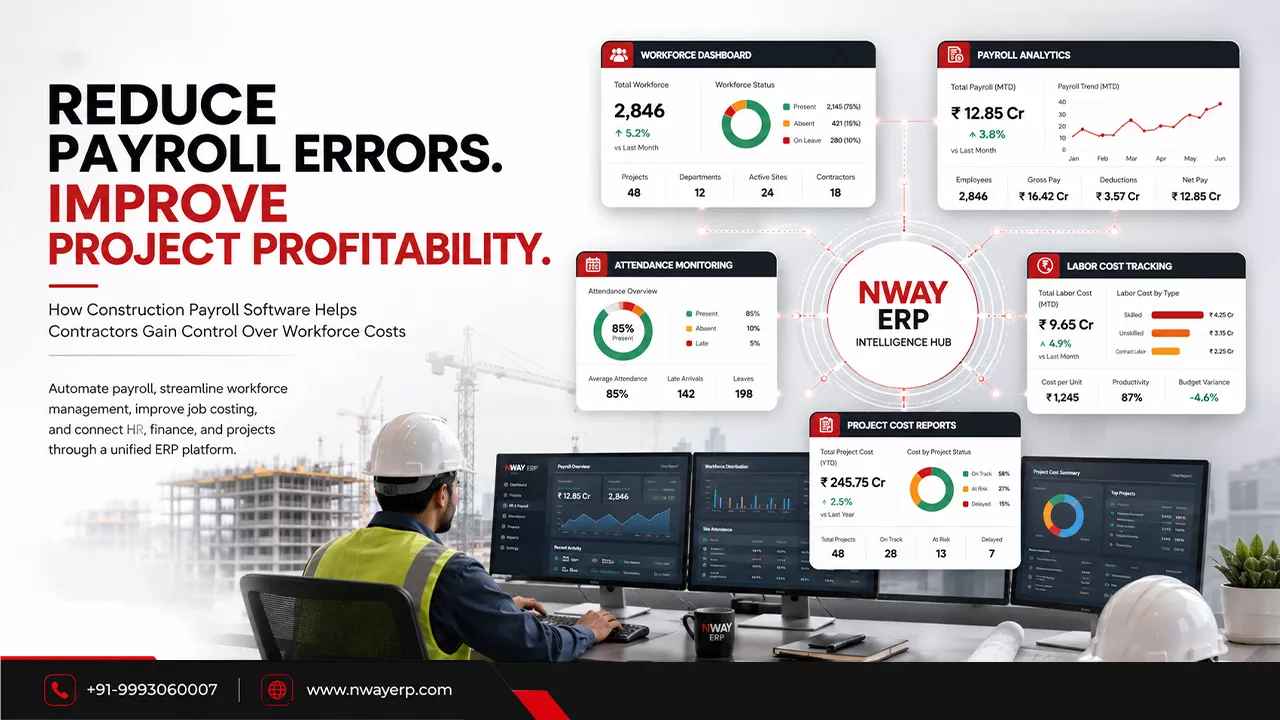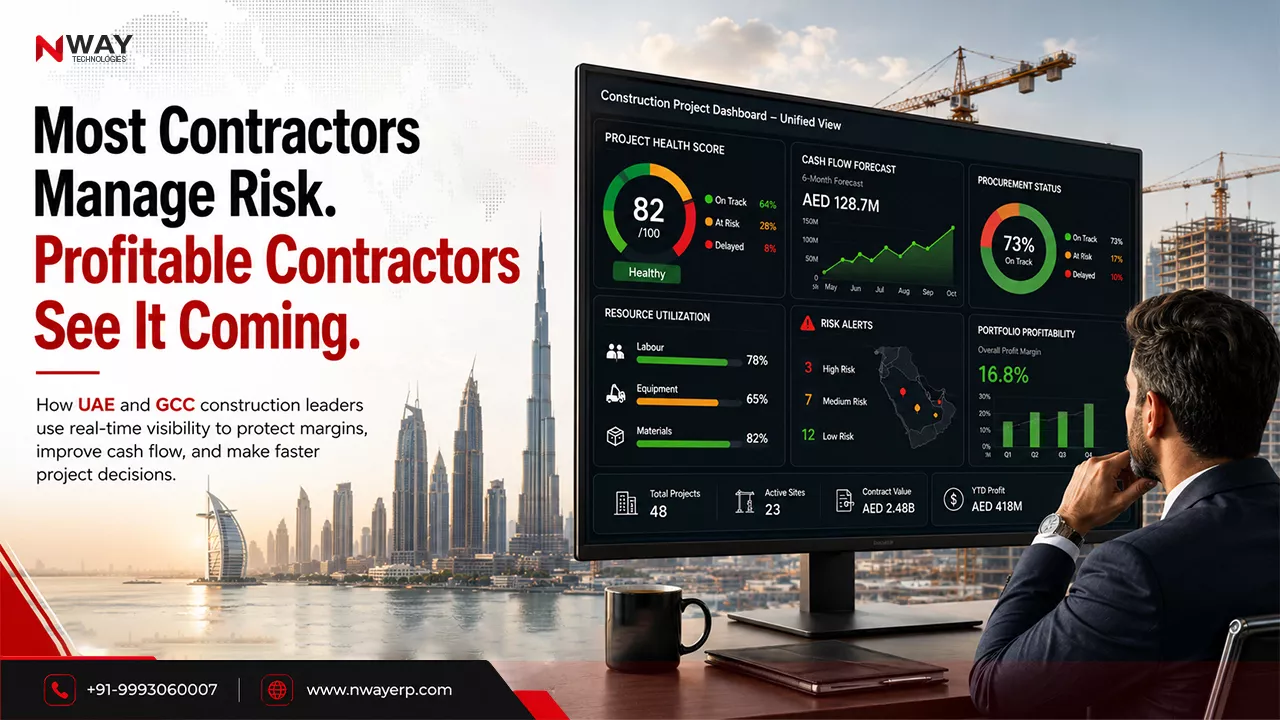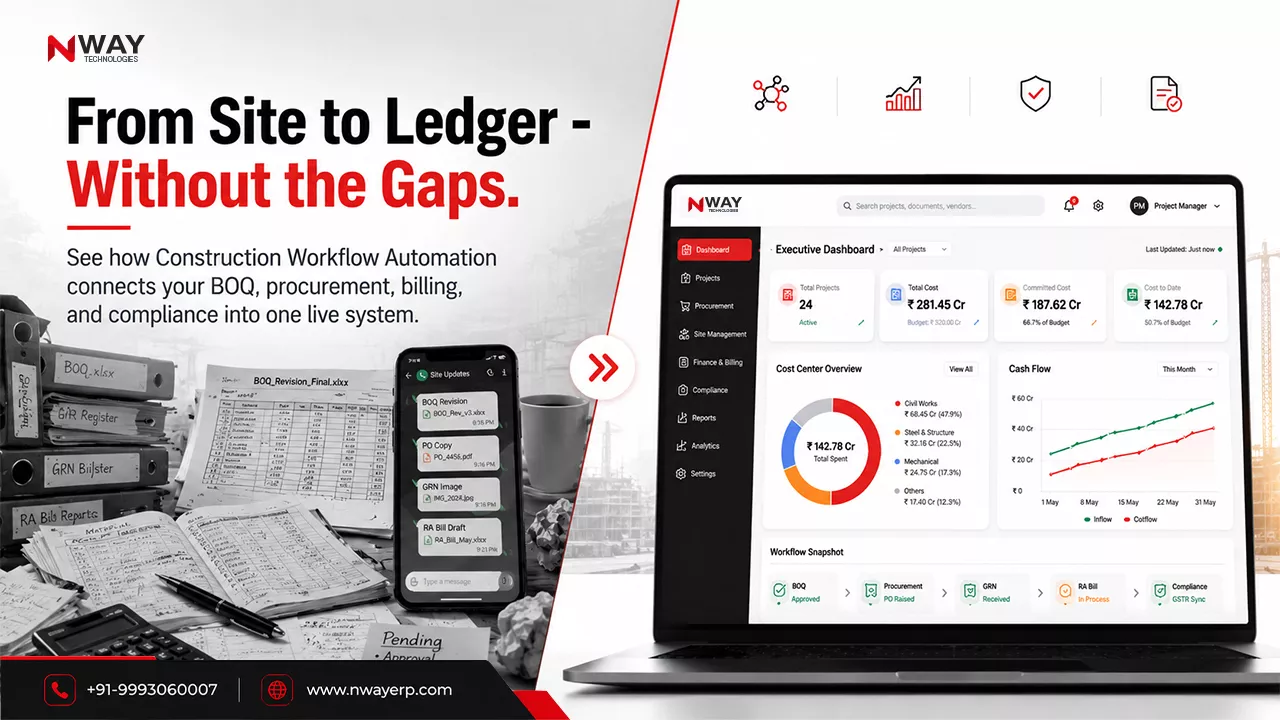
Construction estimating software is a digital tool that calculates the cost of a construction project from quantities, rates, labour, materials, equipment and overheads. For civil contractors in India, the best construction estimating software also handles BOQ preparation, rate analysis against CPWD or state schedules of rates. See our step-by-step guide to rate analysis in construction. It links the approved estimate to budgets, procurement and site cost tracking.
Every construction project is won or lost at the estimate. Price too high and you lose the bid. Price too low and you win a project that eats your margin. Yet many contractors still prepare estimates in Excel sheets passed between the estimator, the planning engineer and the director, with rates copied from old projects and no link to what actually gets spent on site.
This guide explains what construction estimating software does, how it works for civil and building projects, what Indian contractors should look for, and how to choose the right estimating software for your business.
Table of Contents:
- What is Construction Estimating Software?
- What Construction Estimating Matters?
- The Shift From Traditional Methods
- Benefits of Construction Estimating Software
- Choosing the Right Software
- Implementation Tips
- Conclusion
- FAQs
What is Construction Estimating Software?
Construction estimating software calculates the expected cost of a construction project by combining measured quantities with rates for materials, labour, equipment, subcontract work, and overheads, then presents the result as a structured estimate or BOQ.
Unlike a generic spreadsheet, estimating software stores reusable rate libraries, standard item templates and past project costs. Estimators build an estimate faster, every revision is tracked, and the approved figure becomes the project budget.
Construction cost estimating software is used at three stages:
- Pre-bid: preparing tender estimates and bid prices
- Pre-construction: converting the won estimate into a working budget
- Execution: comparing estimated cost with actual cost as work progresses
How Does Construction Estimating Software Work?
A typical estimating workflow has six steps:
Quantity takeoff: measure quantities from drawings: excavation, concrete, steel, brickwork, finishes.
BOQ preparation: organise those quantities into a bill of quantities with item descriptions and units.
Rate analysis: build the rate for each item from materials, labour, machinery, wastage and overheads, using a schedule of rates or your own historical data.
Cost build-up: apply rates to quantities and add subcontract costs, site overheads, contingency and profit.
Review and approval: circulate the estimate for checking, revise it, and lock the approved version.
Budget handover: turn the approved estimate into the project budget that procurement and site teams work against.
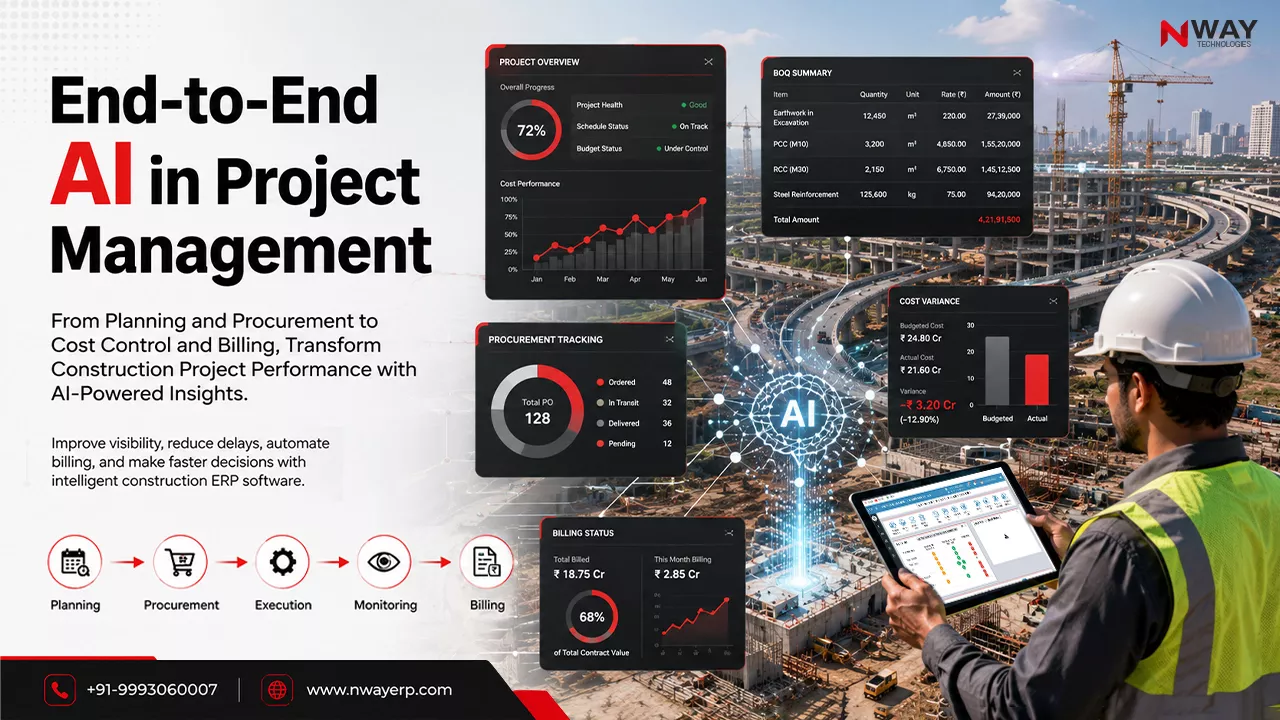
In construction ERP, the approved estimate flows into the Planning & Estimation module and from there into budgets, purchase and project cost tracking, so the number you bid on is the number you control on site.
Quantity Takeoff, Material Take Off, BOQ and Estimate: What’s the Difference?
These four terms are often confused. Each is a separate step:
| Term | What it is | Output |
|---|---|---|
| Quantity takeoff (QTO) | Measuring every quantity of work from drawings | Quantities by item (m³ of concrete, kg of steel, m² of plaster) |
| Material take off (MTO) | Converting work quantities into the materials needed to buy | Material list (bags of cement, tonnes of aggregate, steel by diameter) |
| Bill of Quantities (BOQ) | A structured list of work items, units and quantities, often issued with a tender | Itemised BOQ |
| Estimate | The BOQ priced with rates for labour, material, equipment and overheads | Total project cost |
Quantity takeoff example: For an RCC column 0.3 m × 0.45 m × 3 m, the concrete quantity is 0.405 m³. Multiply by the number of columns, add the reinforcement weight from the bar bending schedule, and you have the column quantities for the BOQ. The material take off then converts 0.405 m³ of M25 concrete into cement, sand and aggregate quantities for purchasing.
Quantity estimation software speeds up the first two steps, and construction bill of quantities software handles the third.
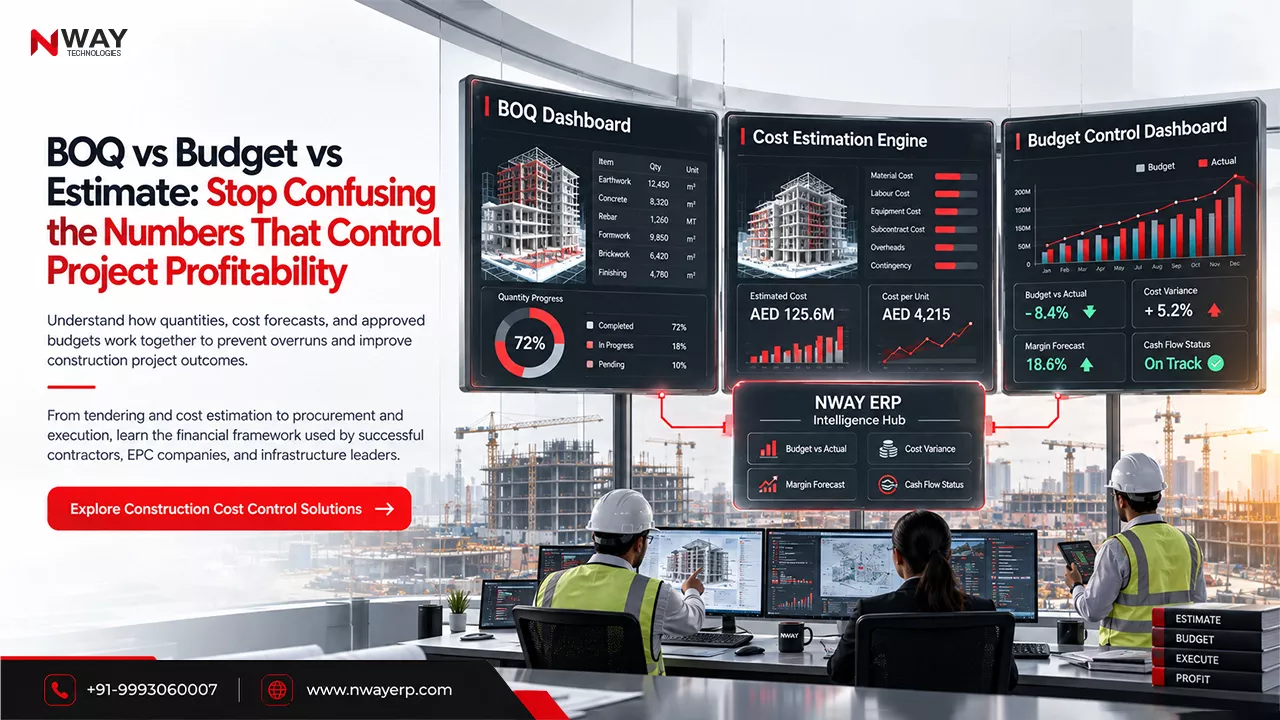
For a deeper comparison, read BOQ vs Budget vs Estimate: What’s the Difference?
Civil Estimating Software: Estimation and Costing in Civil Engineering
Civil estimating software is built for the quantity-heavy, rate-driven work of civil engineering: earthwork, concrete, reinforcement, masonry, roads and drainage. Building estimating software focuses on buildings, where finishes and services add many more line items.
Good estimation software for civil engineering should handle:
- Item-wise rate analysis: breaking each BOQ item into material, labour and machinery components
- Standard item libraries: reusable items with specifications and units
- Lead and lift: adjusting rates for material carriage distance and working height
- Multiple estimate versions: tender estimate, revised estimate and working estimate on the same project
- Abstract of cost: summary sheets by trade or work package
Building estimating software
For residential, commercial and institutional buildings, building estimating software manages structure, finishes, MEP allowances and external works in one estimate, and splits cost by floor, block or tower.
Earthwork and excavation estimating
Earthwork estimating software calculates cut and fill volumes, soil classification, haulage and machinery hours. For road and site development projects, earthwork is often the largest cost line, so equipment rates and productivity must be accurate.
Road and infrastructure estimating
Road estimates combine earthwork, sub-base, base, bituminous layers, culverts and road furniture, priced per chainage. Machinery and fuel costs dominate. See how Nway supports road construction companies and infrastructure contractors.
BIM and 5D estimating
BIM estimating extracts quantities directly from 3D models, and 5D BIM adds cost to the model. It suits firms already working in BIM. Most Indian civil contractors still estimate from 2D drawings and BOQs, so BOQ-based estimating with strong rate analysis remains the practical starting point.
Construction Estimating Software for India: What Indian Contractors Need
Global estimating tools are built for US or UK pricing methods. Indian contractors work with different rate systems and tender formats. Look for estimation software in India that supports:
| India-specific need | Why it matters |
|---|---|
| CPWD DSR and state SOR rates | Government tenders are priced against the CPWD Delhi Schedule of Rates or state PWD schedules of rates; estimators need these as base rates |
| Rate analysis in Indian format | Material, labour, machinery, water charges, contractor’s profit and overheads as separate components |
| Tender BOQ formats | Item descriptions and units that match government and private tender documents |
| GST treatment | Correct tax on materials, subcontracts and the final bid price (GST in construction guide) |
| RA billing linkage | The approved BOQ becomes the basis for running account bills during execution |
| Multi-site and multi-project | Most mid-size contractors run several projects at once |
Key Features to Look For in the Best Estimating Software for Contractors
Use this checklist when you compare construction estimating software:
- BOQ management: create, import and edit BOQs with standard item libraries
- Rate analysis: material, labour, machinery and overhead build-up for every item
- Rate database: your own historical rates plus DSR/SOR rates
- Estimate versions and approvals: tender, revised and working estimates with an audit trail
- Subcontract and equipment costing: price subcontract packages and machinery hours separately
- Reports: abstract of cost, item-wise and trade-wise summaries, comparison of versions
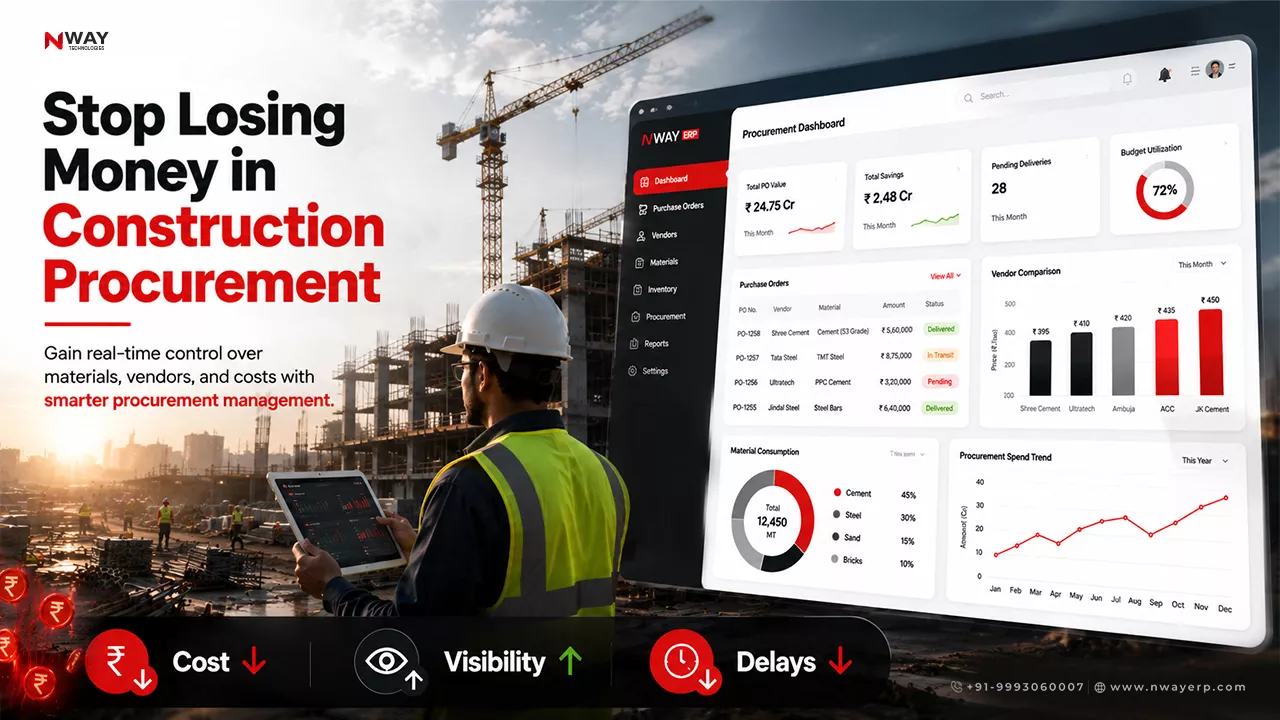
- Integration: approved estimate flows into budgeting, procurement, inventory and finance
- Estimate vs actual: compare planned cost with actual spending as the project runs (how to calculate budget vs actual cost)
- Multi-project support: run estimates for several projects and tenders at once
- Scalability: suitable for small contractors now and for larger projects later
Why Construction Estimating Matters?
In construction, companies can estimate the form of the foundation of every successful project. An accurate estimate helps in:
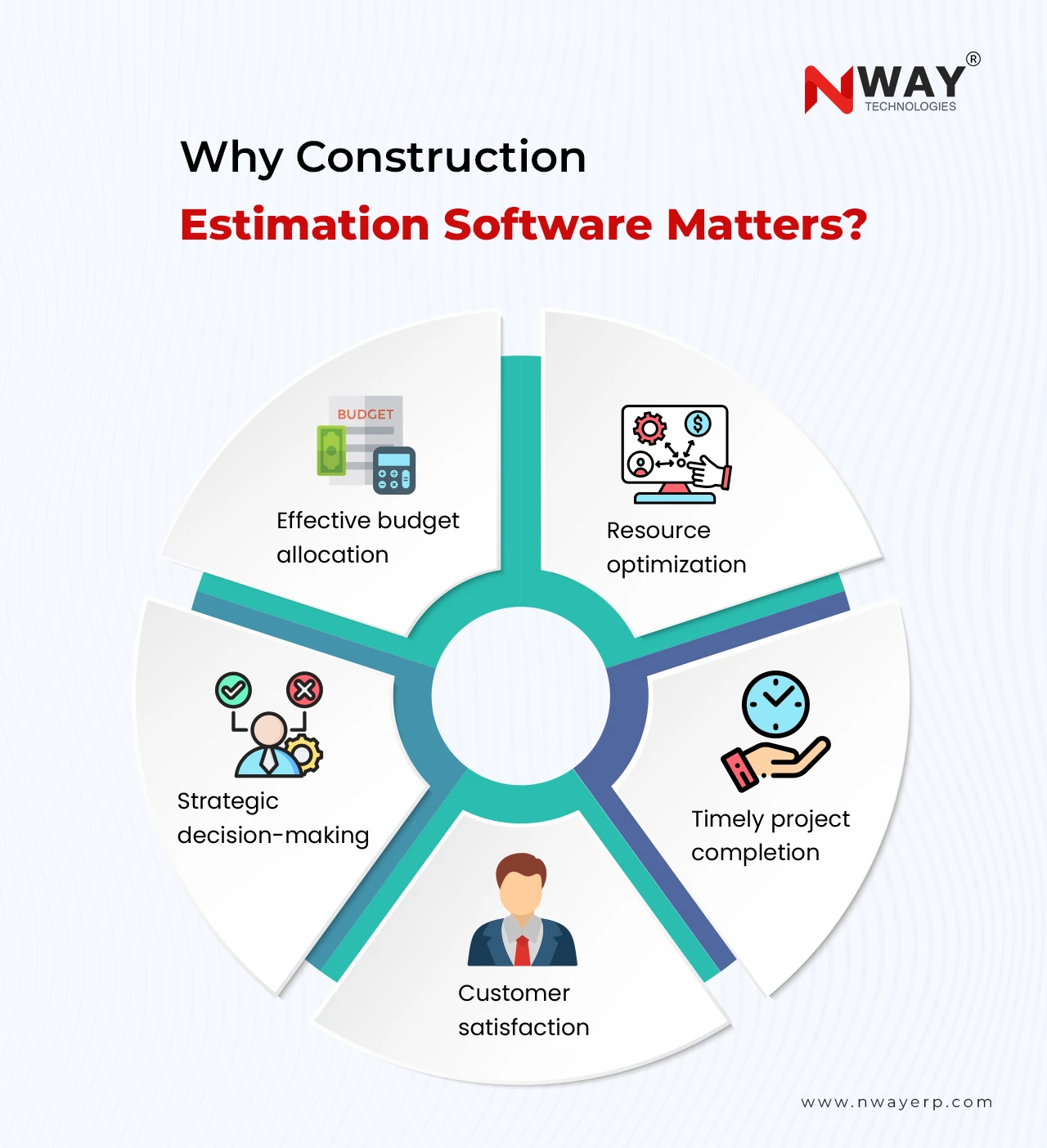
Whether you are dealing with residential homes, commercial buildings, or large-scale infrastructure projects, accurate estimation is your blueprint for success.
Who Uses Construction Estimating Software?
- General contractors and civil contractors use contractor estimating software to price tenders and control margins.
- Estimators and quantity surveyors use it for takeoff, BOQ preparation and rate analysis.
- Planning engineers turn estimates into budgets and schedules.
- Procurement teams use material take off quantities to plan purchasing.
- Directors and owners compare estimate vs actual across projects.
- Small contractors use construction estimating software for small business to bid faster without hiring extra estimators.
Standalone Estimating Software vs Estimating Inside a Construction ERP
| Criteria | Standalone estimating software | Estimating inside a construction ERP (Nway ERP) |
|---|---|---|
| Best for | Estimating-only teams, consultants, QS firms | Contractors who estimate and execute projects |
| Takeoff and pricing | Usually strong | BOQ, rate analysis and estimate build-up |
| After the bid is won | Estimate is exported, often to Excel | Estimate becomes the budget automatically |
| Procurement, inventory, labour, machinery | Not included | Same system |
| Estimate vs actual | Manual | Automatic from purchase and site data |
Bottom line: If your problem is only preparing estimates faster, standalone estimating software may be enough. If your problem is that projects finish over budget, you need construction estimating and project management software in one system, so the estimate controls execution. Here’s how the estimate controls execution in an ERP.
The Shift From Traditional Methods
Material Shortages and Procurement Delays
Gone are the days when construction companies relied solely on spreadsheets or manual calculations. These methods can be highly inefficient and prone to errors, time-consuming, and lack scalability.
A modern construction budgeting software in 2026 offers a streamlined, automated, and data-driven approach. It can also significantly reduce manual effort and ensure your numbers are consistent, transparent, and reliable.
Benefits of Using Construction Estimating Software
Here’s how the best construction estimating software can revolutionize your project planning and execution:
01. Improved Accuracy
By using built-in cost databases and real-time data, the software also reduces the chances of human error and ensures precise calculations for every project.
02. Time Efficiency
Automated workflows mean faster quote generation, quicker approvals, and less time spent manually inputting or double-checking data.
03. Consistency Across Projects
Templates and standard formats help maintain consistent estimating practices across all your projects and teams.
04. Increased Bid Wins
With more accurate and competitive bids, companies are more likely to win projects without compromising quality and margins.
05. Integration with Project Management Tools
Many software solutions integrate seamlessly with scheduling, procurement, accounting, and ERP systems. It will also help smooth the data flow and better project control.
06. Better Reporting & Forecasting
Effective reports and historical data enable smarter forecasting. It also helps in making proactive decisions and financial and operational decisions.
Key Benefits:
Centralized compliance documentation for easy audits.
Automated alerts for regulatory compliance and requirements.
Risk assessment tools for proactive issue resolution.
Don’t let inaccurate estimates hold your projects back. With NWAY Construction Estimating Software, you can take control of your costs, win more bids, and drive your business forward with confidence.
Choosing the Right Construction Estimating Software
With so many options available, selecting the right software can feel overwhelming. Here are some key features to look for:
Upgrades: Recent, updated software that meets construction needs in 2026.
User-Friendly Interface: Easy to navigate and learn, even for non-technical users.
Cloud-based Access: Enable real-time collaboration and accessibility from anywhere.
Customization: Tailor templates and reports to fit your unique needs.
Integration Capabilities: Compatibility with other tools like accounting, ERP, and scheduling systems.
Scalability: Suitable for both small businesses and large organizations.
Implementation Tips for Construction Estimating Software
Successfully implementing a construction ERP software requires a mix of good technology and strategy:
Create a good ERP system with an effective implementation process.
Involve your team during the selection and onboarding process.
Train staff thoroughly to ensure smooth implementation and adoption.
Start small, perhaps with a pilot project, and scale up.
Evaluate regularly to track progress and ROI.
Read our latest blog to learn more about implementation challenges and risks for construction companies.
How to Implement Construction Estimating Software
- Standardise your item library before migrating: agree item codes, descriptions and units.
- Load your rate base: current rates, DSR/SOR references and recent project rates.
- Pilot on one live tender while continuing your existing process.
- Train estimators and planning engineers on BOQ, rate analysis and versions.
- Connect to budgets and procurement once estimating is stable.
- Review accuracy by comparing estimates with final costs on the first completed projects.
Nway supports this through business process consultation, implementation and training. To avoid common pitfalls, read ERP implementation challenges.
Conclusion
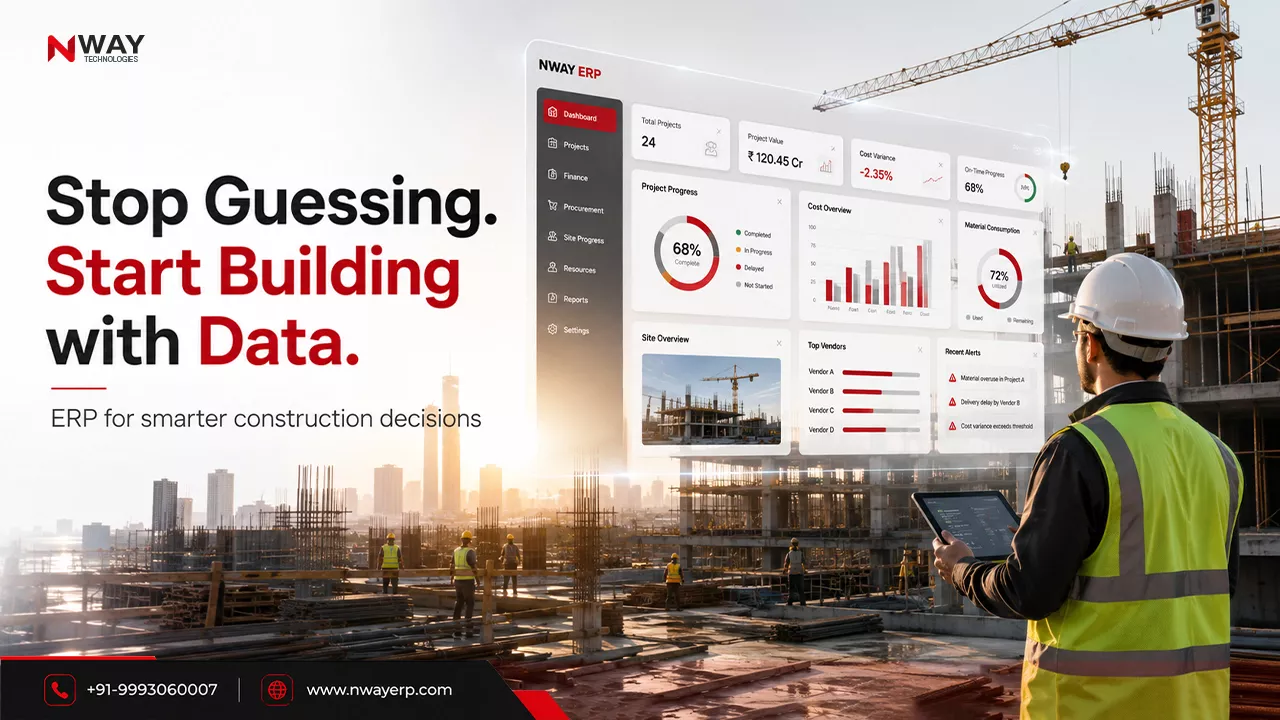
An estimate is only valuable if it controls the project that follows. Construction estimating software speeds up quantity takeoff, BOQ preparation and rate analysis. When estimating sits inside a construction ERP, the approved estimate also becomes the budget that every purchase order, material issue and labour payment is checked against.
For Indian civil, building and infrastructure contractors, that link between estimate and execution is where margins are protected.