Solution ( Construction MIS Software )
Construction MIS Software

MIS that lets you,
“Make analysis from the past, keep present in observation, and lead a future without imperfections.”Consolidated and integrated data from multiple modules and sites, analyzed and summarized for faster decision-making. Manage modules like accounts, purchase, human resources, production, machinery, and permissions at a glance. Accept and empower unforeseen changes with pre-scheduled plans constructed with the help of MIS. Optimizes the probability to manage projects with ease and be prepared for variance in cost, labor, machinery, and material with alternate drafted plans. Manage the KPIs to enhance the growth of the project.

How NWAY MIS helps your Industry
-
Accelerates the process of decision making.
-
Timely scheduled reports (Weekly, Monthly and Yearly).
-
Summarized transaction details at a glimpse.
-
Performance highs and lows can be measured with MIS.
-
Perform individual analyses of each module without depending on an external source.
-
Plan out the solutions for upcoming changes.
-
Process large volumes of data in a summarized format.

Accounts
-
Hindrance –
- Scattered Sites resulting in Scattered data.
- Dependency on multiple sources.
- Unaware about the current status of capital credited or debited.
-
MIS Assistance –
- A dashboard that enables the analysed accounts report.
- View direct and indirect expenses.
- Cash flow at a glance.
- View bank, cash, suppliers, and customers credited and debited amount.

Purchase
-
Hindrance—Absence of an overview of purchases at various sites. Non-availability of real-time stock and wastage, site-wise
-
MIS Assistance—Lets you review these parameters at a glance for income and expense realization
- Total GRN value.
- Total purchase bill.
- Stock today.
- Total purchase order.
Production
-
Hindrance –
- Unable to view sales in real time.
- Production non-compliance.
-
MIS Assistance –
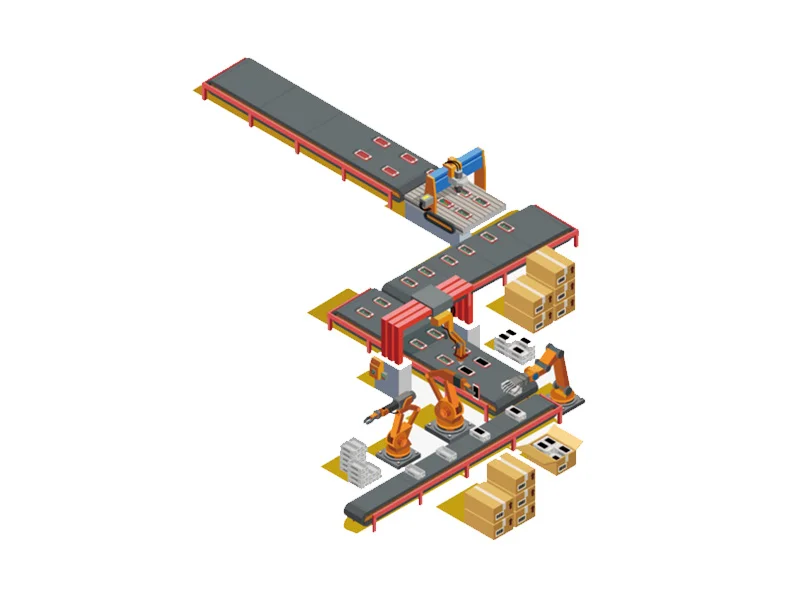
- View production expenses and income for self and sales.
- At a glance used production site-wise.
- Total production and wastage in real-time.
- View plant wise production.
- Analyzed reports.

Human Resource
-
Hindrance—Difficulty in keeping track of each employee and the performance of each employee.
-
MIS Assistance—
- View total staff, current & previous month salaries, and PF/ESIC.
- Salary chart of multiple sites analyzed together.
- Current day employee status (absent, present & leave).
- View loans & advances for further investments & planning.
- View each employee’s profile on one dashboard.
Machinery
-
Hindrance –
- Expired license.
- Unawareness about the status of machines.
- Unexpected budget exceed.
- Unmanaged work logs and service schedules.
-
MIS Assistance –
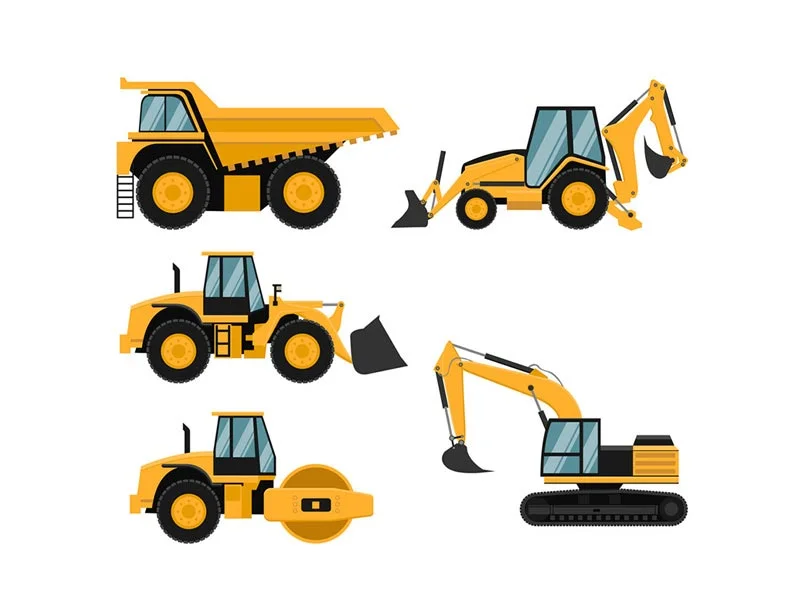
- View status of vehicles, machines, insurance, fitness, taxation, permits, PUC, and green tax.
- View the working logs of machines and vehicles site-wise according to their shifts.
- Get machine-wise status of machines.

Approvals, Rejections and Pending
-
Hindrance –
- Less aware of the current status of all the modules.
- Ignoring regular inspections.
-
MIS Assistance—
- View all the permissions from all the modules on a single platform.
- Approve and reject permissions and from various modules and receive alerts for due requests.
- This enables a system which is always under the supervision.
- Increase awareness of work on multiple sites.